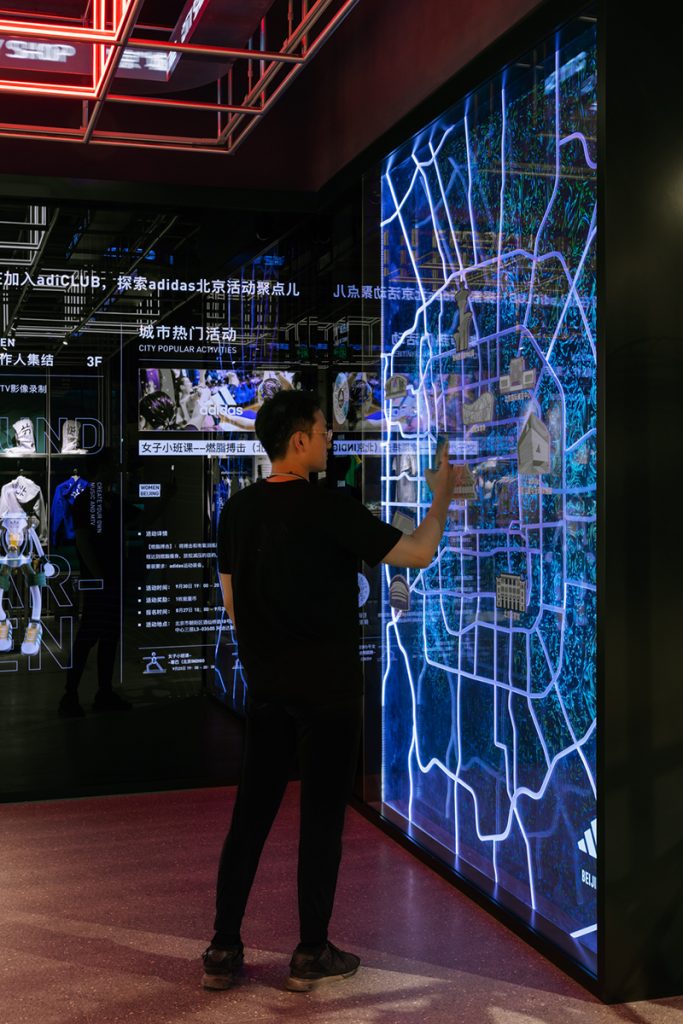

Let’s be honest. Another video call where you’re staring at a grid of faces, fighting the urge to check your phone, isn’t exactly inspiring. Collaboration in the digital age often feels…flat. But what if you could walk over to a virtual whiteboard with a colleague from another continent, or prototype a 3D model in real-time, standing right inside it?
That’s the promise—and the growing reality—of metaverse workplace collaboration tools. We’re not just talking about fancy VR meetings. We’re talking about a fundamental shift in how we connect, create, and solve problems together. It’s messy, it’s early, but it’s incredibly fascinating.
Beyond the Video Grid: What Makes the Metaverse Different?
Sure, tools like Zoom got us through the remote work revolution. But they have limits. They’re great for information transfer, but terrible for spontaneous interaction and spatial collaboration. The metaverse, in this context, isn’t one singular place. Think of it as a network of persistent, shared 3D spaces where your digital presence—your avatar—can interact with others and digital objects.
The key differentiators? Presence and Shared Space. You feel like you’re with people. You can gesture, make eye contact (through avatars), and have those accidental “watercooler” conversations by the virtual coffee machine. The space itself becomes a tool. You can pin documents to walls, manipulate 3D data with your hands, or even change the environment to suit your task.
The Toolkit: What’s Actually Out There?
The landscape is evolving fast, but we can bucket the tools into a few approaches. Each has its own flavor.
1. The Immersive VR Workspaces
These require a VR headset and are all about deep, focused collaboration. Imagine strapping in and being transported to a design studio or a brainstorming cave.
- Meta Horizon Workrooms: Probably the most well-known. It replicates an office meeting room with whiteboards, screen sharing, and spatial audio. Your avatar’s hands track your real movements, which is surprisingly powerful for communication.
- Engage VR: Used for more than business—think virtual events and training—but its core is high-fidelity collaboration. You can import complex 3D models, host large meetings, and even simulate environments for training.
2. The Accessible 3D Platforms (No Headset Required)
This is where things get interesting for widespread adoption. These run in your browser or on your desktop. They lower the barrier to entry massively.
- Gather Town: It feels like a 2D video game map. You move your cute avatar around. Get close to someone, and a video call pops up. It brilliantly recreates the proximity and spontaneity of a physical office. Perfect for team socials and casual syncs.
- Mozilla Hubs: A super flexible, open-source option. You can create a 3D room by just sharing a link. Drop in images, videos, 3D models, and PDFs. It’s a bit janky sometimes, but it’s incredibly powerful for quick, creative jam sessions.
3. The Specialized Professional Suites
These are built for specific, high-stakes workflows. The ROI here is crystal clear.
NVIDIA Omniverse: This isn’t for your average team meeting. It’s a platform for connecting 3D design tools so that architects, engineers, and designers can collaborate on massive, complex projects in real-time. Imagine ten people across different companies working on the same photorealistic 3D model…simultaneously.
Microsoft Mesh for Teams: Microsoft’s bet. It brings 3D avatars and immersive spaces into the familiar Teams interface. The idea is to blend your everyday chat and calendar with 3D meetings, slowly phasing people into the metaverse without a huge leap.
The Tangible Benefits (It’s Not Just Hype)
Okay, so it’s cool. But does it actually work? For the right use cases, the answer is a resounding yes. Here’s where these tools are moving the needle.
| Benefit Area | How the Metaverse Delivers |
| Complex Design & Prototyping | Teams can interact with life-size 3D models, spot flaws early, and make decisions in context. Saves months of back-and-forth. |
| Training & Onboarding | Practice dangerous or expensive procedures in a safe, simulated environment. Walk a new hire through a virtual factory floor from anywhere. |
| Creative Brainstorming | The spatial canvas unlocks a different kind of ideation. Sticky notes have gravity, mind maps surround you—it feels more fluid and expansive. |
| Strengthening Culture & Connection | Virtual social events in a fun space can feel more engaging than a Zoom trivia night. It rebuilds the informal social fabric remote work lacks. |
The Real, Gritty Challenges (Nobody Talks About Enough)
It’s not all smooth sailing. In fact, there are some pretty significant speed bumps on this virtual highway.
- The Hardware Hurdle: High-end VR is expensive and still cumbersome. Not everyone wants—or can tolerate—wearing a headset for hours. The motion sickness thing is real for some folks.
- The Learning Curve & Friction: Jumping into a 3D space is a new skill. Moving an avatar, interacting with objects—it can feel awkward and slow people down at first. That friction kills spontaneity.
- Interoperability Nightmares: Your avatar, your files, your tools—they often don’t travel between different metaverse platforms. We’re building walled gardens, not an open web.
- The “Why” Problem: Using metaverse collaboration tools just for a standard meeting is overkill. If the task is simply to talk, video is fine. The tool must match a specific, spatial need.
Getting Started Without Getting Lost
So, you’re curious? Don’t try to move all-hands meetings to VR tomorrow. Here’s a more human, practical path.
- Identify a Single Pain Point: Is it poor brainstorming? Difficulty reviewing 3D designs? Remote onboarding feeling impersonal? Pick one.
- Experiment with Low-Barrier Tools: Start with a browser-based platform like Gather or Hubs. The cost and learning curve are minimal. Run a team retro or a social hour there.
- Focus on the Experience, Not the Tech: Guide your team. Have a clear agenda. Maybe even make it playful. The goal is to see if the medium unlocks something new.
- Listen and Iterate: Get honest feedback. Was it valuable or just a novelty? Let that guide your next step—whether it’s abandoning it, trying a different tool, or scaling the experiment.
The Future Isn’t a Meeting Room
Ultimately, the most successful metaverse workplace collaboration tools won’t just replicate the office. That’s a failure of imagination. The real potential lies in creating environments and experiences that are impossible in the physical world.
Imagine a global team standing inside a data visualization, spotting trends with their bodies. Or a maintenance trainer shrinking to walk through a virtual engine. The tools are the doorway. Our collective creativity—how we choose to use these shared, spatial canvases—will define what’s on the other side. We’re not just choosing a new software vendor. We’re subtly deciding what form human collaboration will take next.